
Turn your Ancestry family tree into a wall poster
Ancestry holds your research. Gedcom Art turns it into something you can hang up. Export your tree as a GEDCOM, add the photos Ancestry leaves out, and download a poster to print.
- No sign-up
- No watermark
- Your file never leaves your browser
Step 1: export your tree from Ancestry
- Sign in to Ancestry and open your tree.
- Open Tree settings from your tree’s menu, then choose Export tree.
- Press Export, wait for it to finish, then choose Download your GEDCOM file.
- If the file arrives as a zip, unzip it. You want the
.gedfile inside.
Ancestry changes its menus from time to time, so look for Export in the tree settings if a name has moved. You can usually export trees you own. If the option is missing, the tree probably belongs to someone else, so ask the owner to export it and send you the file. More detail in How to get a GEDCOM file.
Step 2: open it in Gedcom Art
Drop the file onto the editor. Choose yourself, or any ancestor, as the centre, then pick how many generations to show. Ancestry trees often contain hundreds of people, so start with a handful of generations and add more until the poster feels right.
Step 3: add the photos Ancestry leaves out
Ancestry’s GEDCOM export does not include photos or other media, so your tree arrives with initials in place of faces. Fix that in the Photos step: add pictures one at a time and crop each portrait, or drop in a zip. Files named with a person’s ID (such as I123.jpg) or their name are matched to the right person automatically, and anything left over you can attach by hand.
Step 4: style and download
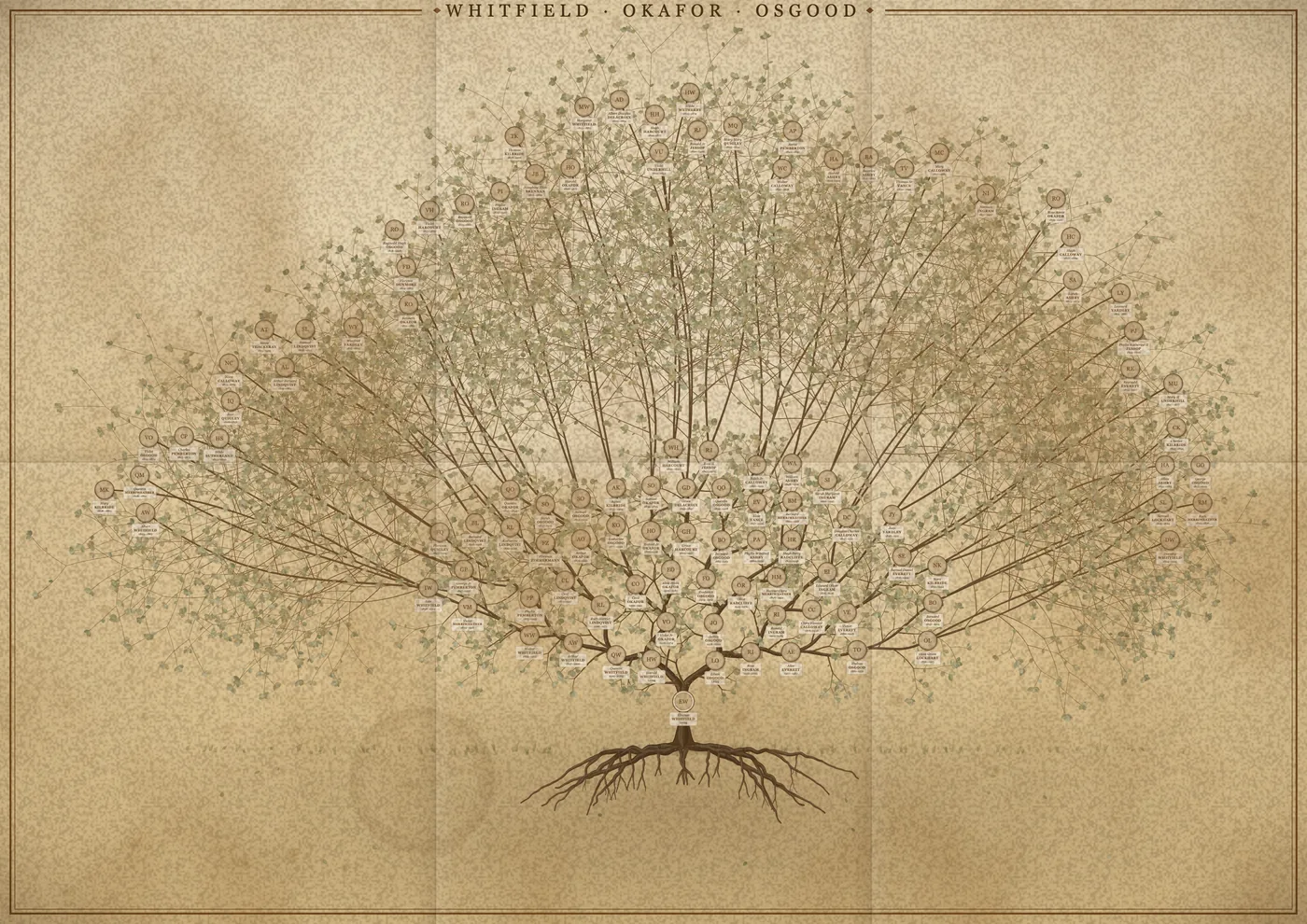
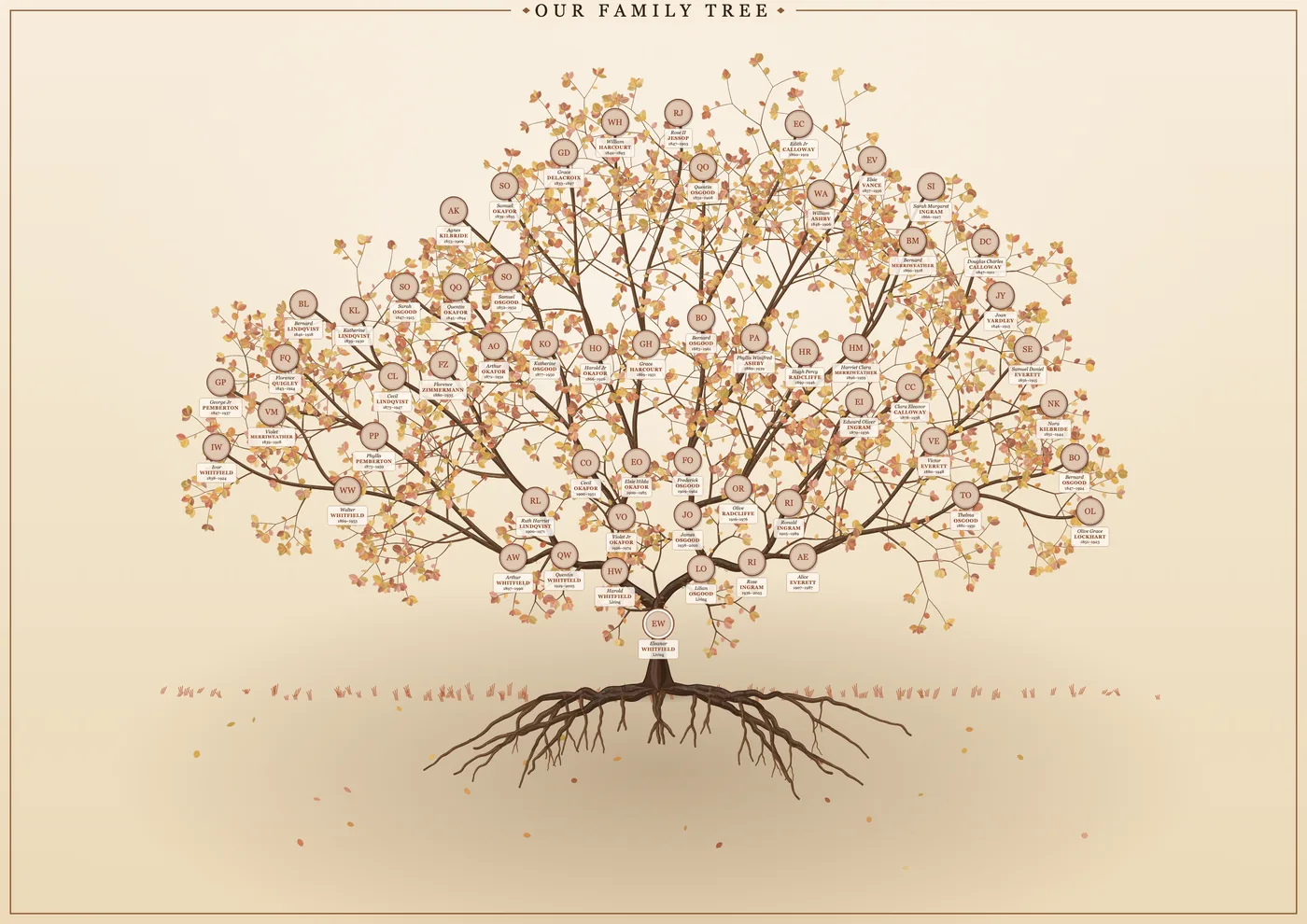
Choose the Heritage tree for a framed-art look, or a pedigree chart for a clear reference poster. Try the aged parchment finish for a traditional feel. Then download a PNG, PDF or SVG sized for the paper you plan to print on.
Your tree stays on your computer
Gedcom Art never uploads your file. It is read in your browser, and the only copy of your work is saved in your own browser storage. That matters for family trees, which hold details of people who may still be alive. Living people’s dates, places and photos are hidden by default.
Gedcom Art is an independent tool. It is not made by, endorsed by or affiliated with Ancestry. Ancestry is a trademark of its owner.
Frequently asked questions
Does Ancestry’s GEDCOM include my photos?
No. The export page itself says it does not include media. Your names, dates, places and relationships come across, and you add the photos in Gedcom Art.
I cannot find Export tree. What now?
You can usually export trees you own. If it is not offered, the tree may belong to someone else. Ask the owner to export it and send you the .ged file.
Can I make the poster from a DNA match’s or a shared tree?
Only if you have a GEDCOM file of it. Gedcom Art works from the file you give it. Please respect the privacy of the people in a tree that is not yours.
Ready to see your family on the wall?
It takes a few minutes, and you can try it with a sample family first.