
Turn your family tree into a poster worth framing
Upload a GEDCOM file, pick a design, and download a sharp, print-ready family tree poster. Free, with no sign-up, and your family data never leaves your computer.
- No sign-up
- No watermark
- Your file never leaves your browser
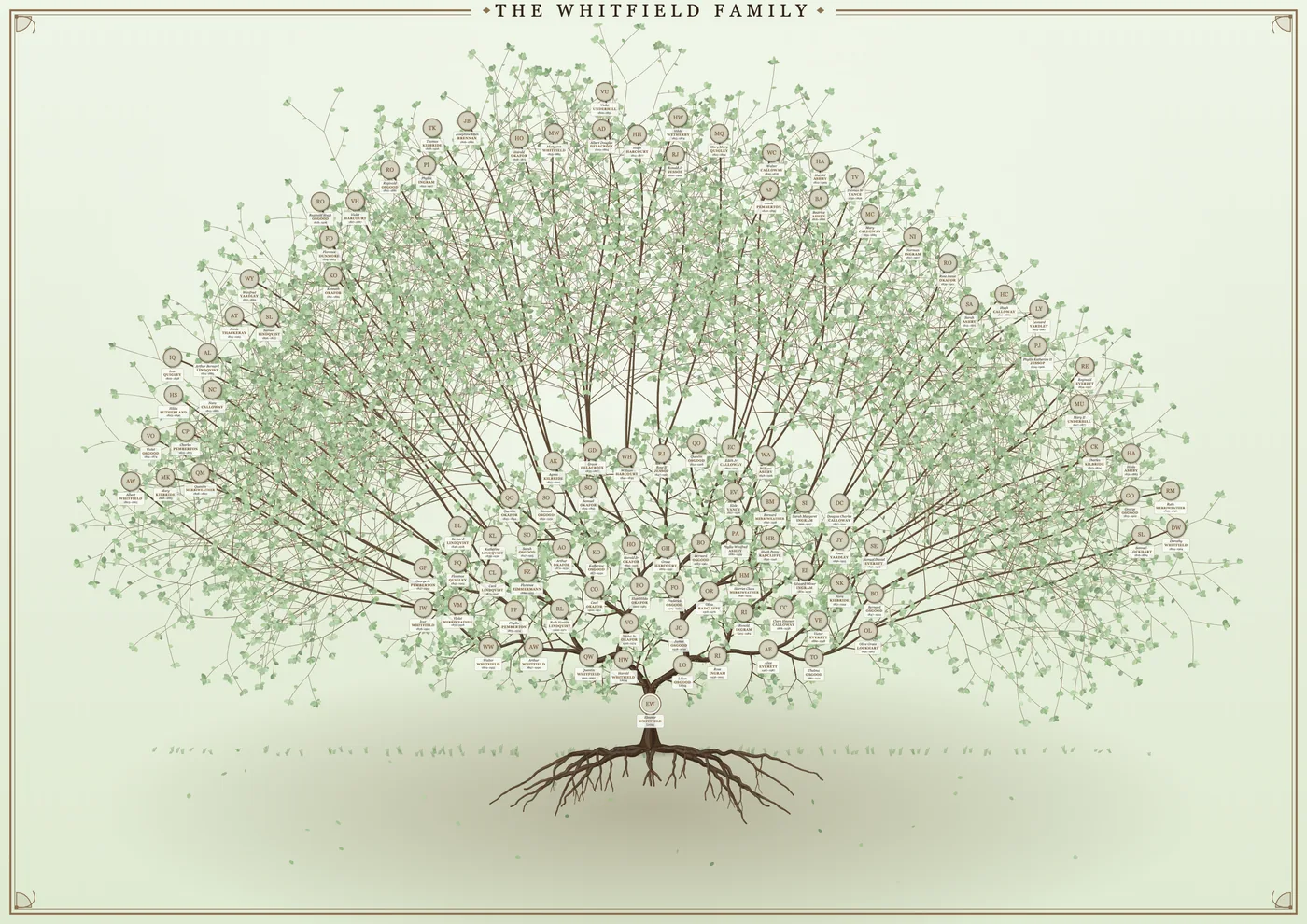
How it works
- Add your family file. Drop in a GEDCOM (
.ged) file. Ancestry, MyHeritage and most family tree programs can export one. Here is how to get yours. - Choose who is at the centre and how far back to go. Add brothers and sisters, cousins and their families, or keep it to direct ancestors.
- Make it yours. Pick a design and a colour theme, add a title and a border, drop in photos, and drag anyone or anything into place.
- Download. Save a sharp PNG, PDF or SVG sized for paper from A4 up to A0, then print it at home or at a local print shop.
Two ways to show your family
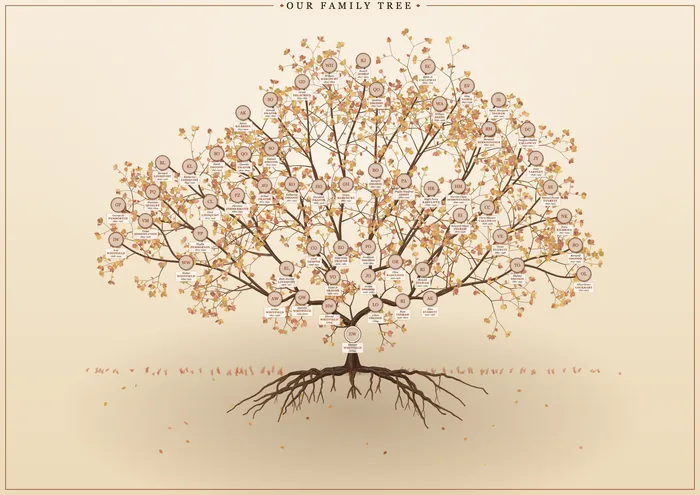
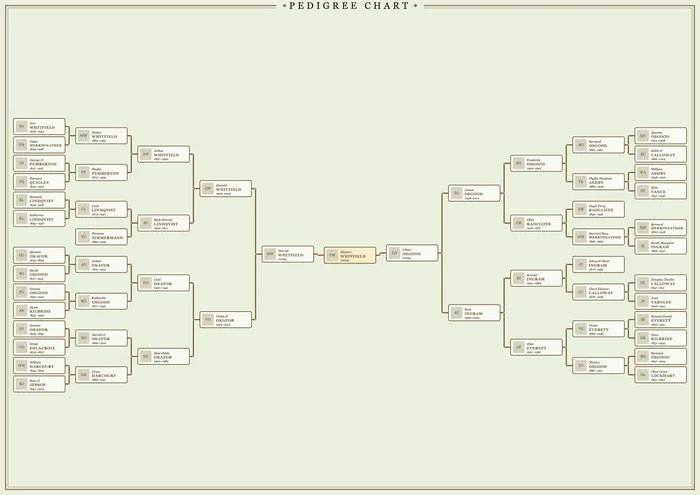
Built for real family trees
- Photos that find their person. Drop in a zip of pictures named by person ID or by name and they attach themselves. Crop any portrait by hand.
- Living people stay private. Dates, places and photos for anyone who may still be alive are hidden by default.
- Make it look old. One slider turns a clean poster into aged parchment, with paper texture, stains, fold creases and sepia photos.
- Full control when you want it. Drag people, bend individual branches and roots, scale the whole tree, and undo anything.
- Big trees are fine. Hundreds of people, with a readable-text check that tells you how small the writing will be on your chosen paper.
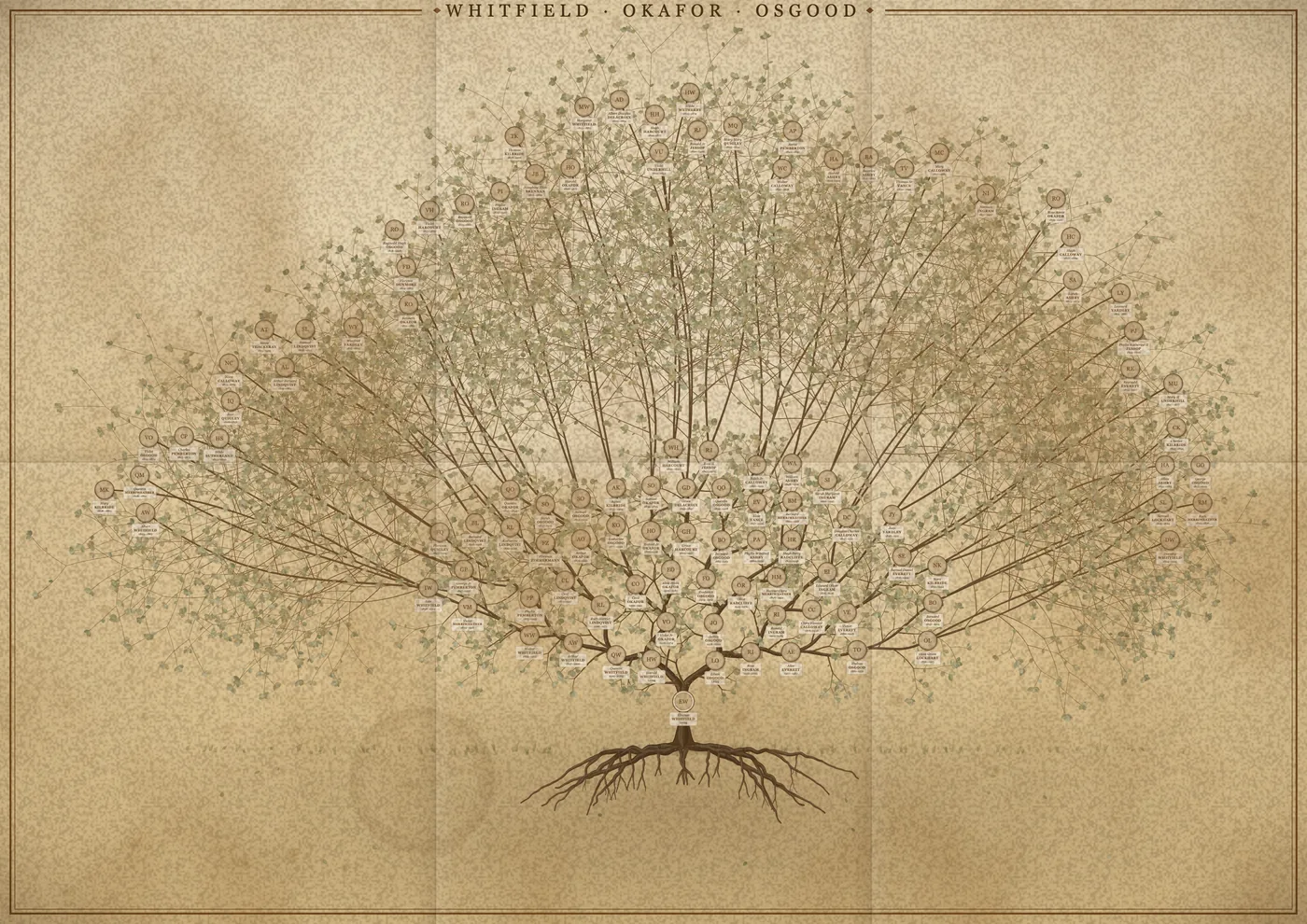
Print it your way
Download a PNG up to 10,000 pixels wide, or a vector PDF or SVG that stays sharp at any size. Choose from A4, A3, A2, A1 and A0, US sizes such as 11×17 and 24×36 inches, and 50×70, 60×90 and 70×100 cm. Our poster size guide helps you choose.
Private by design
Gedcom Art runs entirely in your web browser. Your family file is read on your own computer and is never uploaded to a server. Your work is autosaved in your browser only. Read the privacy details.
Frequently asked questions
What is a GEDCOM file?
A GEDCOM (.ged) file is the standard way family tree programs and websites store and share a tree: names, dates, places and who is related to whom. Gedcom Art reads it to draw your poster. Read the plain-English guide.
Is Gedcom Art really free?
Yes. There is no sign-up, no watermark and no limit on downloads. It is built and kept running by one person, so if it helps you, a coffee is very welcome and keeps the project going.
Do you upload or store my family tree?
No. Everything happens in your browser. The file is read on your computer and your work is saved only in your browser’s own storage. Nothing is sent to us.
Which websites and programs work with it?
Anything that can export a GEDCOM file, which includes Ancestry, MyHeritage and desktop programs such as Gramps, RootsMagic and Family Tree Maker. Gedcom Art is an independent tool and is not affiliated with any of them.
Can I add photos?
Yes. Add images one by one, or drop in a zip and let the files match people by their ID or name. Ancestry’s GEDCOM export does not include photos, so this is how you put faces on the tree.
What paper sizes can I print?
A4, A3, A2, A1 and A0, the US sizes 11×17, 18×24 and 24×36 inches, and 50×70, 60×90 and 70×100 cm. The PDF and SVG are vector, so they stay sharp at any size.
How many generations can I fit on one poster?
It depends on how many people there are and how big the paper is. The app shows the smallest text size on your chosen paper and warns you if it will be hard to read, so you can add generations or choose a larger sheet with confidence.
Ready to see your family on the wall?
It takes a few minutes, and you can try it with a sample family first.